1 in 5
people is neurodivergent
ADHD, dyslexia, autism and other variations are common in every workforce. Training that only works for one type of brain quietly excludes a fifth of your team.
Around one in five of your colleagues has ADHD, dyslexia or another way of processing information. Long manuals lose them first, and everyone else soon after. Gryffi turns your documents into short interactive journeys that people actually finish.
For HR, L&D and inclusion teams who want training to reach everyone
Or drop your own PDF for an instant preview →
Instant Preview
Any document you share with employees works: handbooks, guides, policies, training materials. See the result in 30 seconds. Free, no account needed.
Drag a PDF here or click to select
Max 30 pages, max 25 MB. Your file is deleted immediately after processing.
Our AI is extracting key points and creating your journey
See It in Action
Same information, different delivery. See what changes when knowledge arrives in short, varied steps instead of one long document.
80 seconds
Upload any PDF and see exactly what your team would get. No signup, no credit card.
Processed in the EU. Your file is deleted within 15 minutes.
Why This Works
Most training fails at the format, not the content. A long document asks for exactly the things many brains struggle with: sustained attention, working memory and reading stamina. People with ADHD or dyslexia hit that wall first. The rest of your team hits it a few pages later.
1 in 5
ADHD, dyslexia, autism and other variations are common in every workforce. Training that only works for one type of brain quietly excludes a fifth of your team.
47 sec
Research by professor Gloria Mark shows attention spans on screens have dropped from 2.5 minutes to 47 seconds. Long documents ignore how people read today.
1 step
Short steps that switch between image, video, questions and chat keep attention alive. Learning science calls it microlearning and encoding variability. Your team calls it doable.
Gryffi was built around this from day one, by a founder with ADHD and dyslexia who kept getting handed manuals he couldn't get through. Short steps, one thing at a time, variety between text, images, quizzes and conversation. That helps neurodivergent employees the most, and it makes training better for everyone.
Employees turn these options on themselves, right inside a journey. No settings menu, no request to a manager.
Every step with text has a listen button. A natural voice reads the step aloud and the sentence being read is highlighted, so your eyes and ears stay in the same place. That combination works well for many dyslexic readers.
One tap switches the whole journey to OpenDyslexic, a font that many people with dyslexia find calmer to read. Gryffi remembers the choice, so it is still on at the next step and the next visit.
Every step shows where you are, like step 3 of 8, and a journey tells you up front roughly how many minutes it takes. Useful for everyone, and a real difference when your sense of time is unreliable, as it often is with ADHD.
Everything sits in two small buttons at the top of a step. If you don't need them, you will barely notice they are there.
Journey Builder
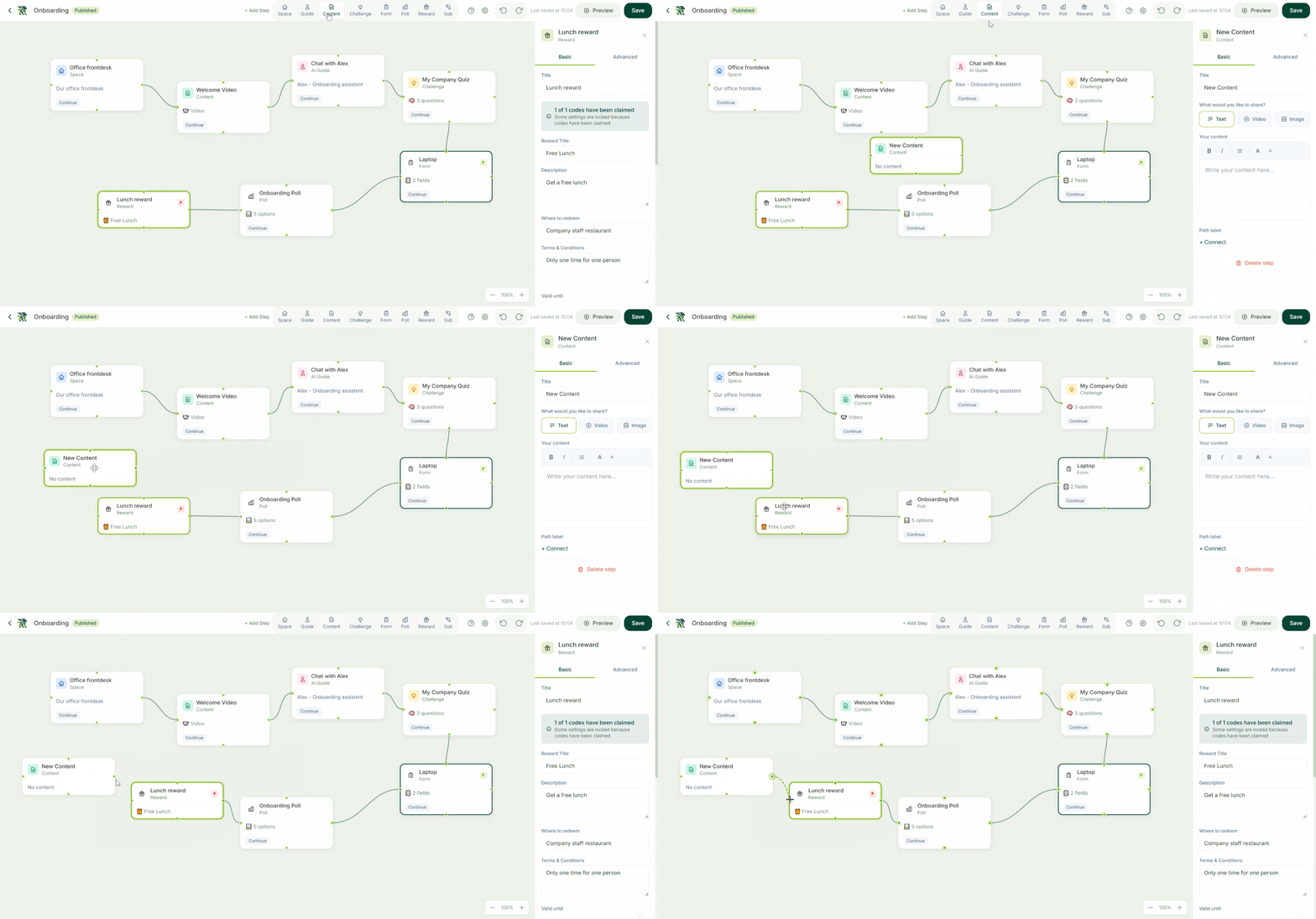
Drag, drop, and connect steps to create a journey your team will actually complete.
7 Tools to Build Your Journey
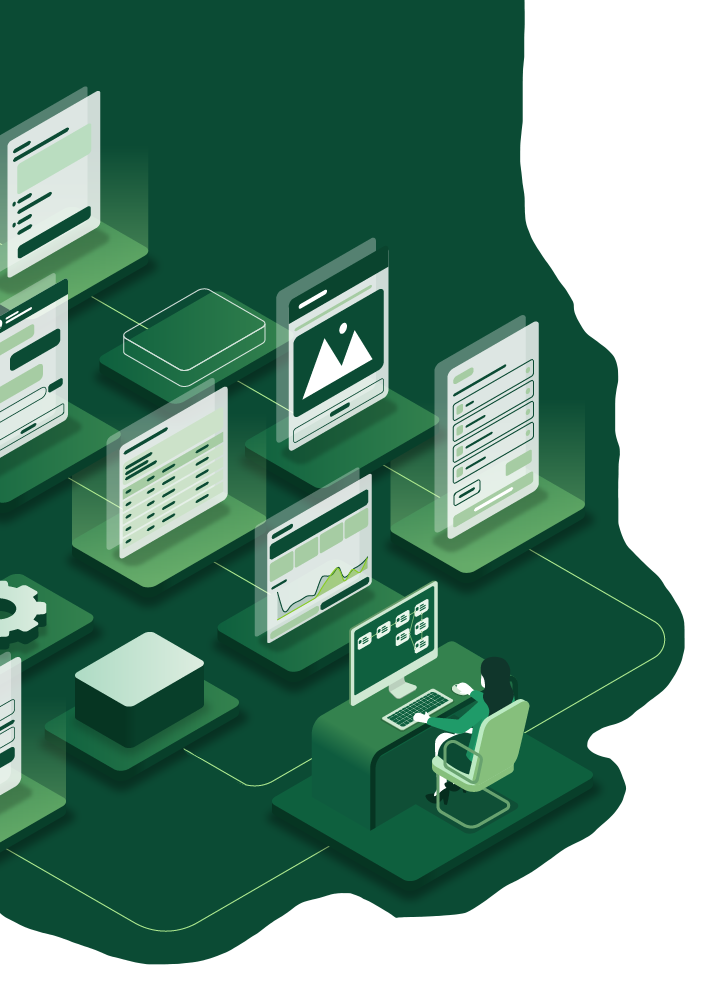
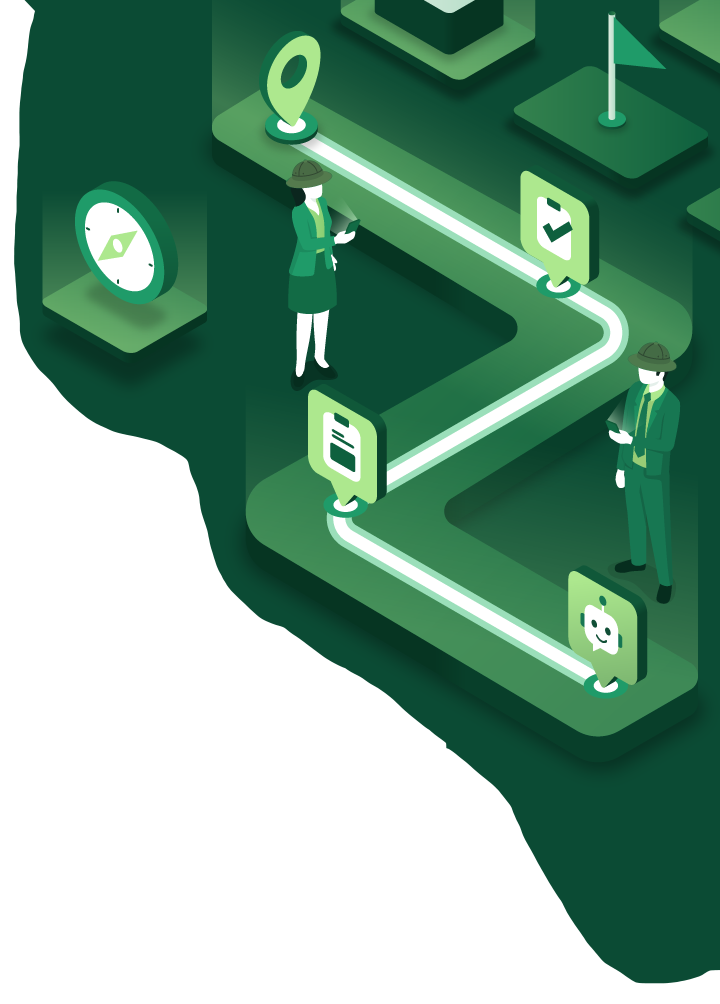
Each journey is a series of short steps you control. Drag, drop, and connect them in branching paths. The variety between step types is what keeps different brains engaged. No coding required.
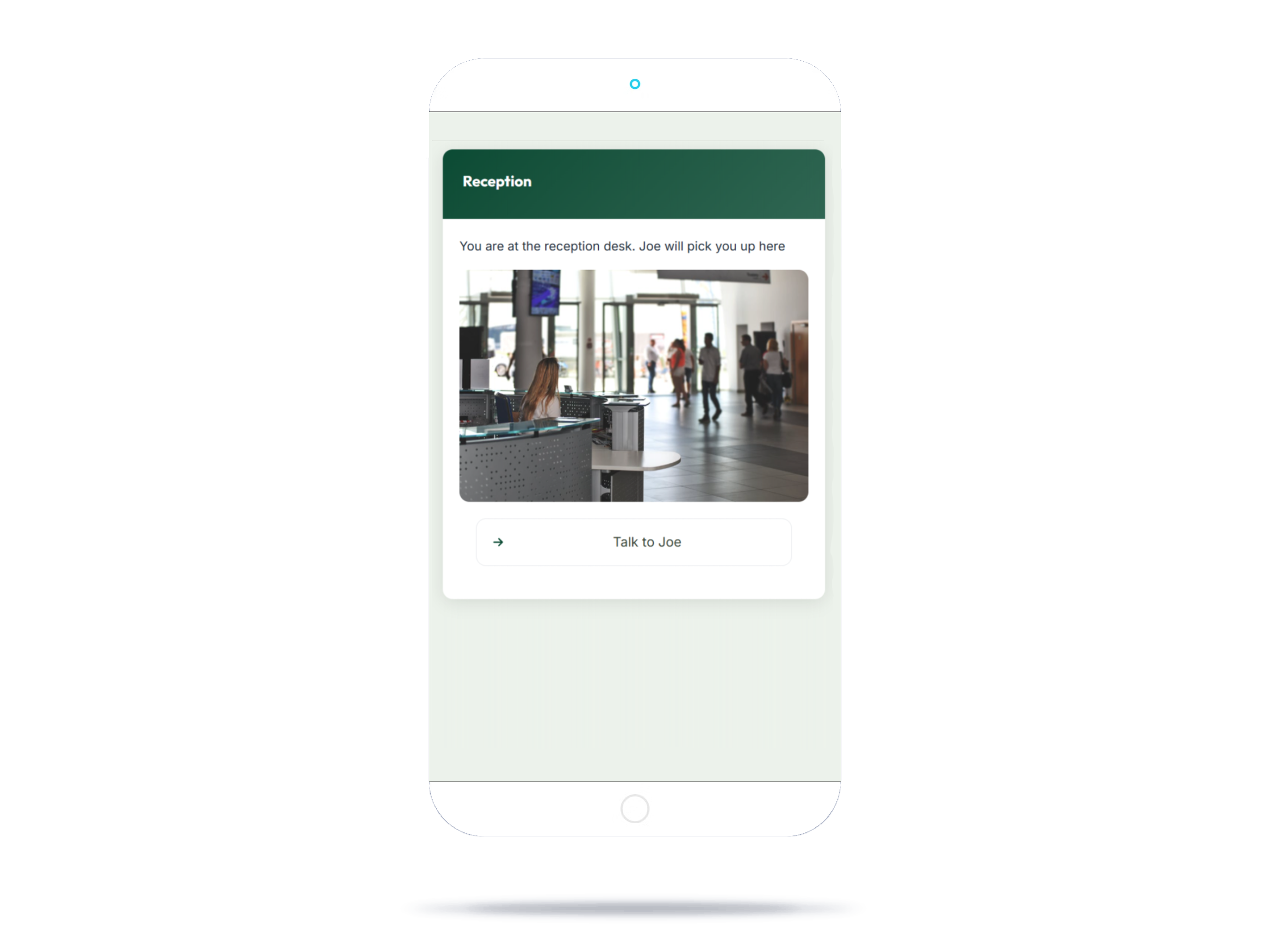
360° panoramas linked to interactive floor plans. Show your team the building before they walk in.
AI chatbots grounded in your documents. Every answer includes source citations.
Text, images, and embedded video. Explain procedures step by step with your own media.
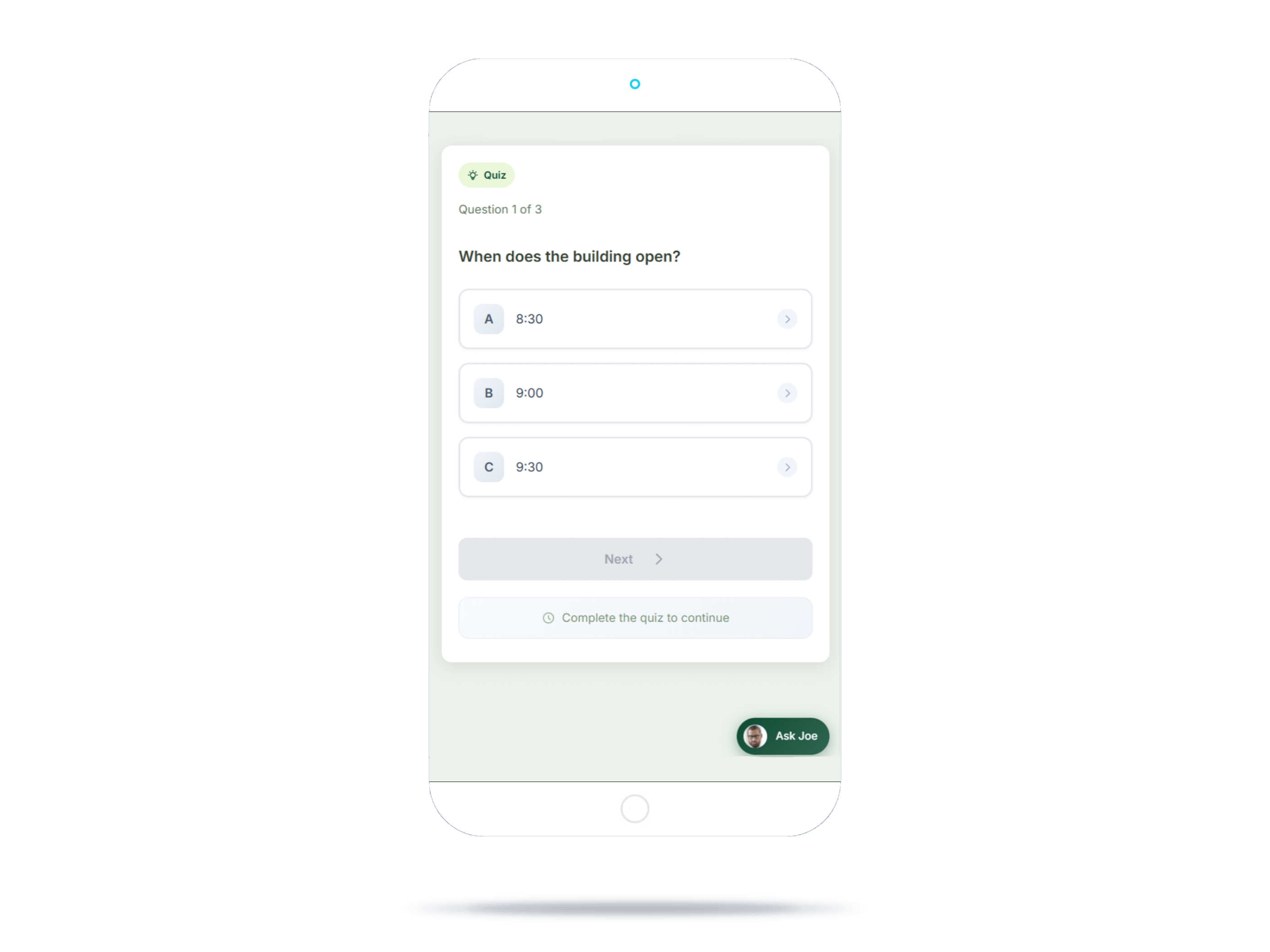
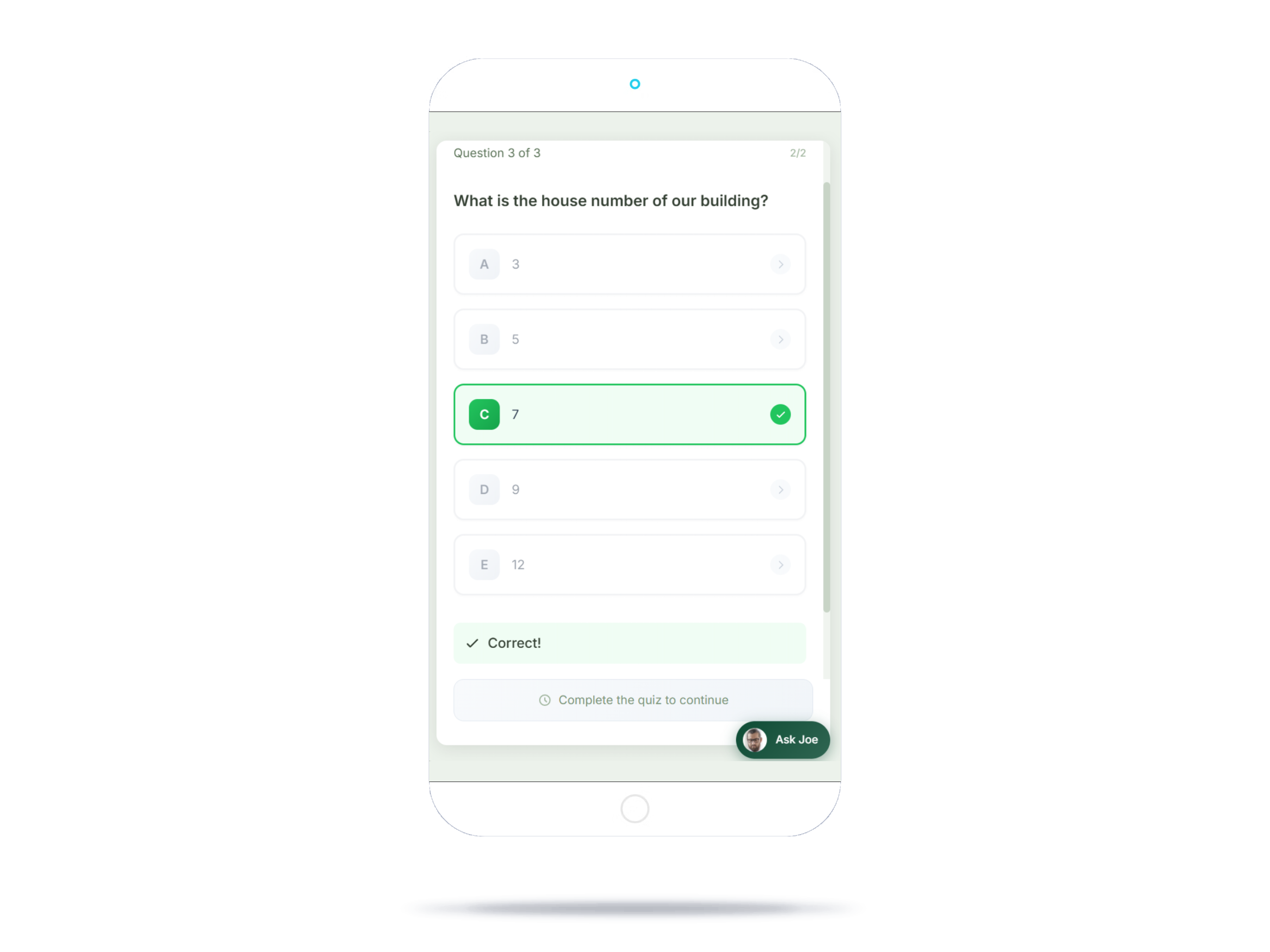
Quizzes with automated scoring. Set passing thresholds and track who understood what.
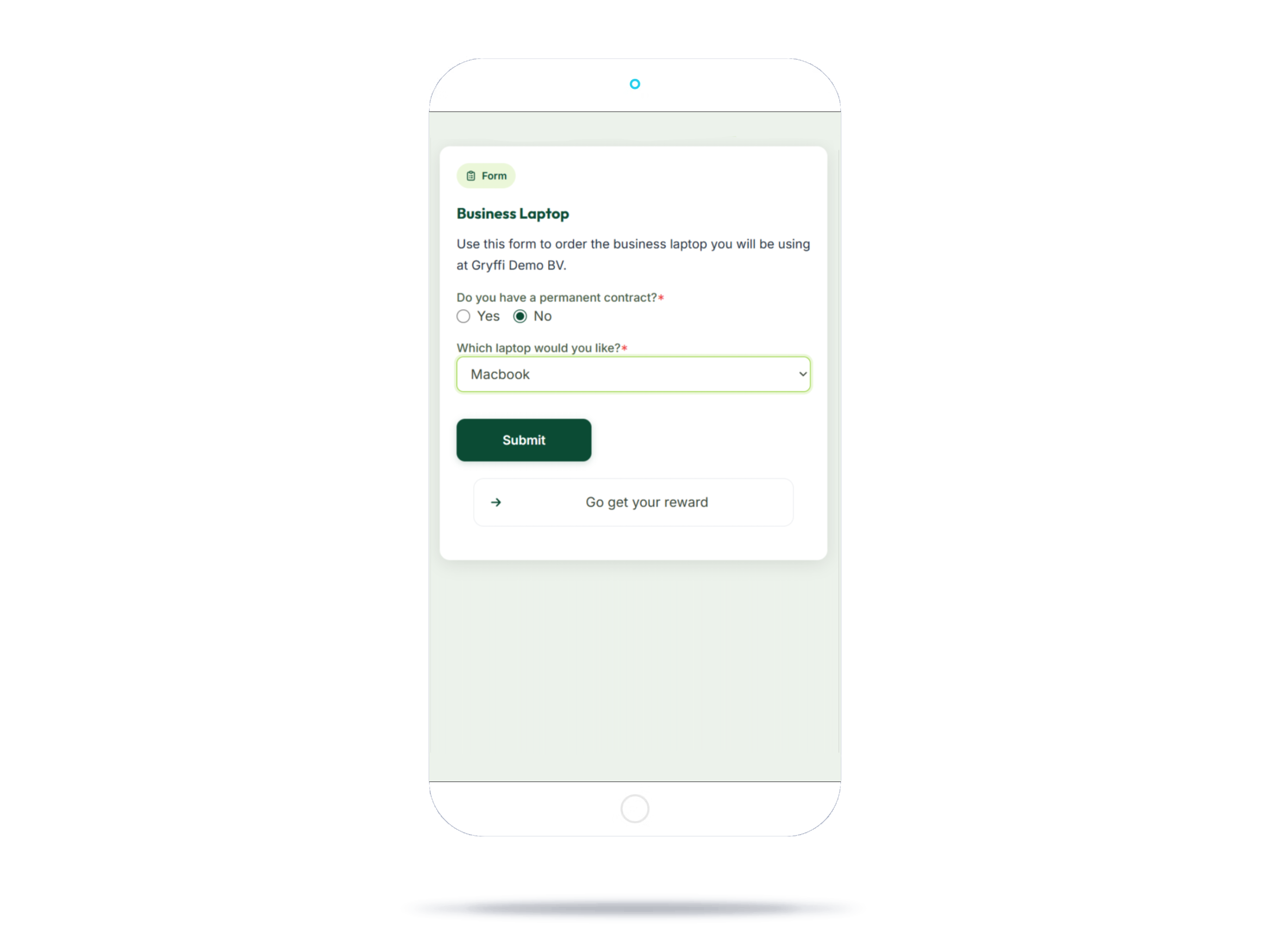
Collect signatures, file uploads, and feedback securely within the journey.
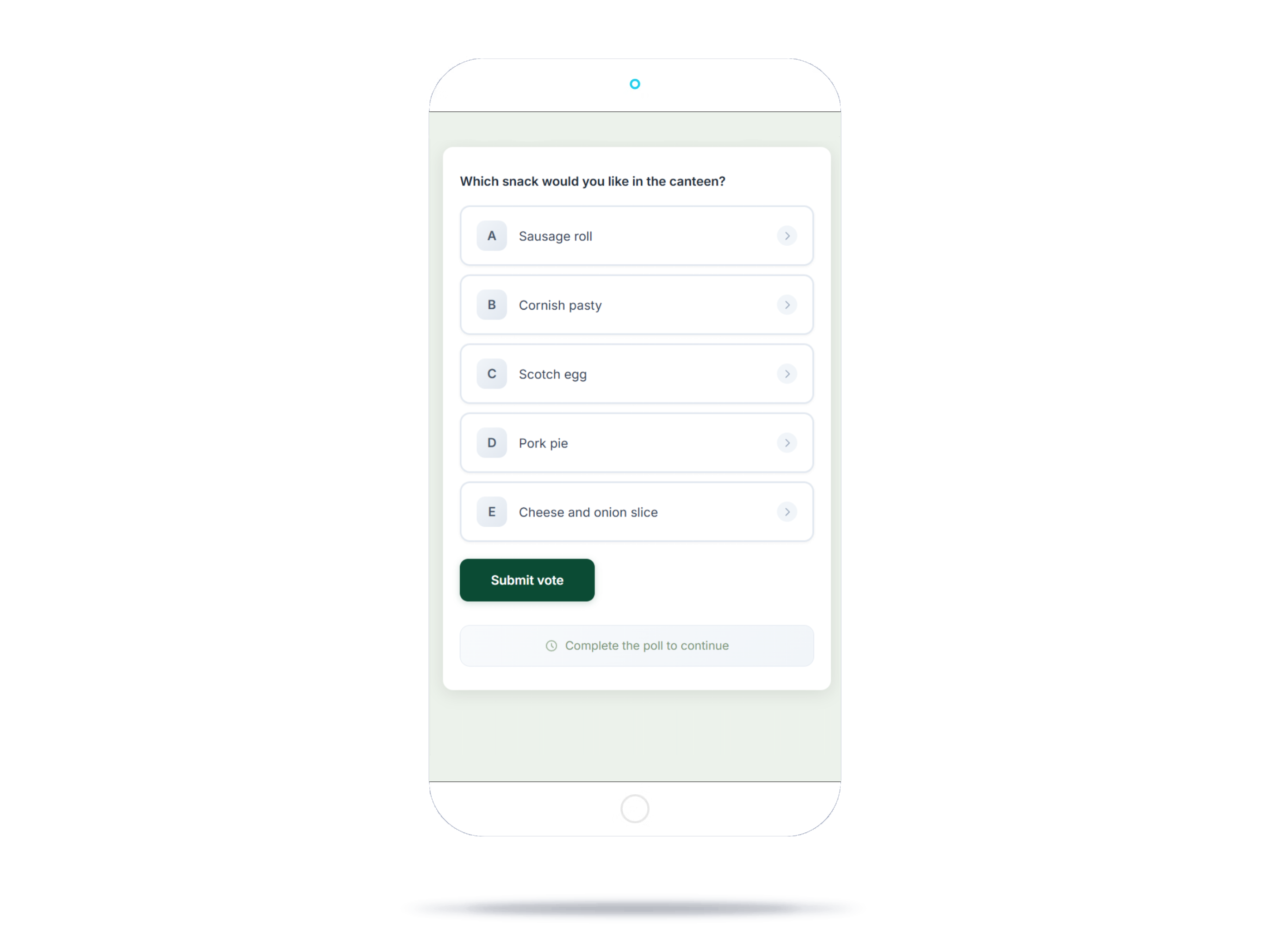
Instant team sentiment in real time. See how information lands across your organization.
Digital certificates upon completion. Tangible proof of progress for your team.
Impact Calculator
Three sliders. One honest answer.
People who go through training or onboarding
Gross, including employer costs. A rough estimate is fine.
Reading, training, compliance and e-learning combined
Estimated yearly impact
At this team size the Gryffi cost is still higher than the estimated gain. Most teams break even from around 5 people.
How It Works
From first journey to first insights in minutes. No developers, no training needed.
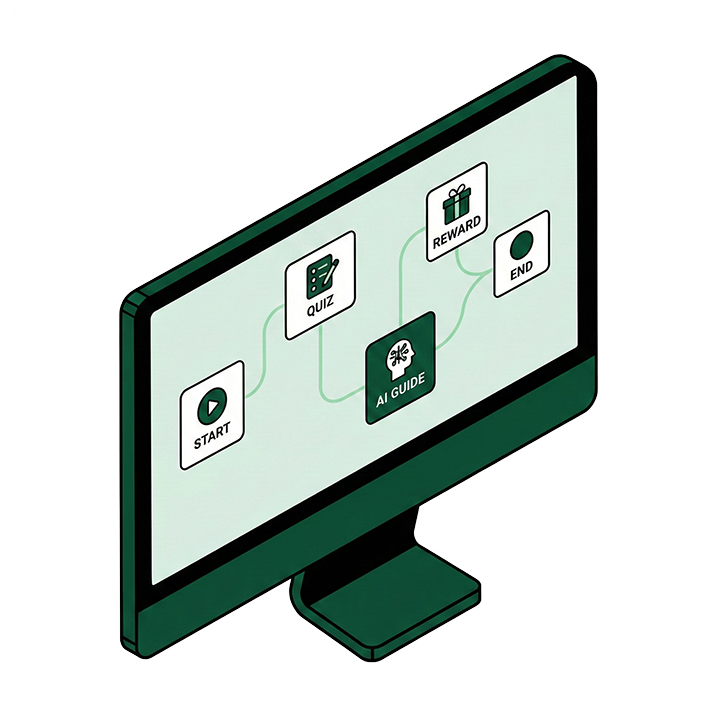
Open the Journey Builder and drag seven step types onto a visual canvas: spaces, content, quizzes, AI guides, forms, polls, and rewards. Connect them into a path and configure each step. Upload documents to your AI Guides so they answer from your own knowledge base.
Add people manually, import a spreadsheet, or sync your directory from Microsoft 365 or Google Workspace. Send an invitation and everyone gets a personal magic link. One click, no password, no app to install.
See completion rates, step-by-step drop-off funnels, quiz scores, and poll results in real-time. Replay individual user journeys to see exactly where they spent time. Export PDF reports when you need proof.
Your Dashboard
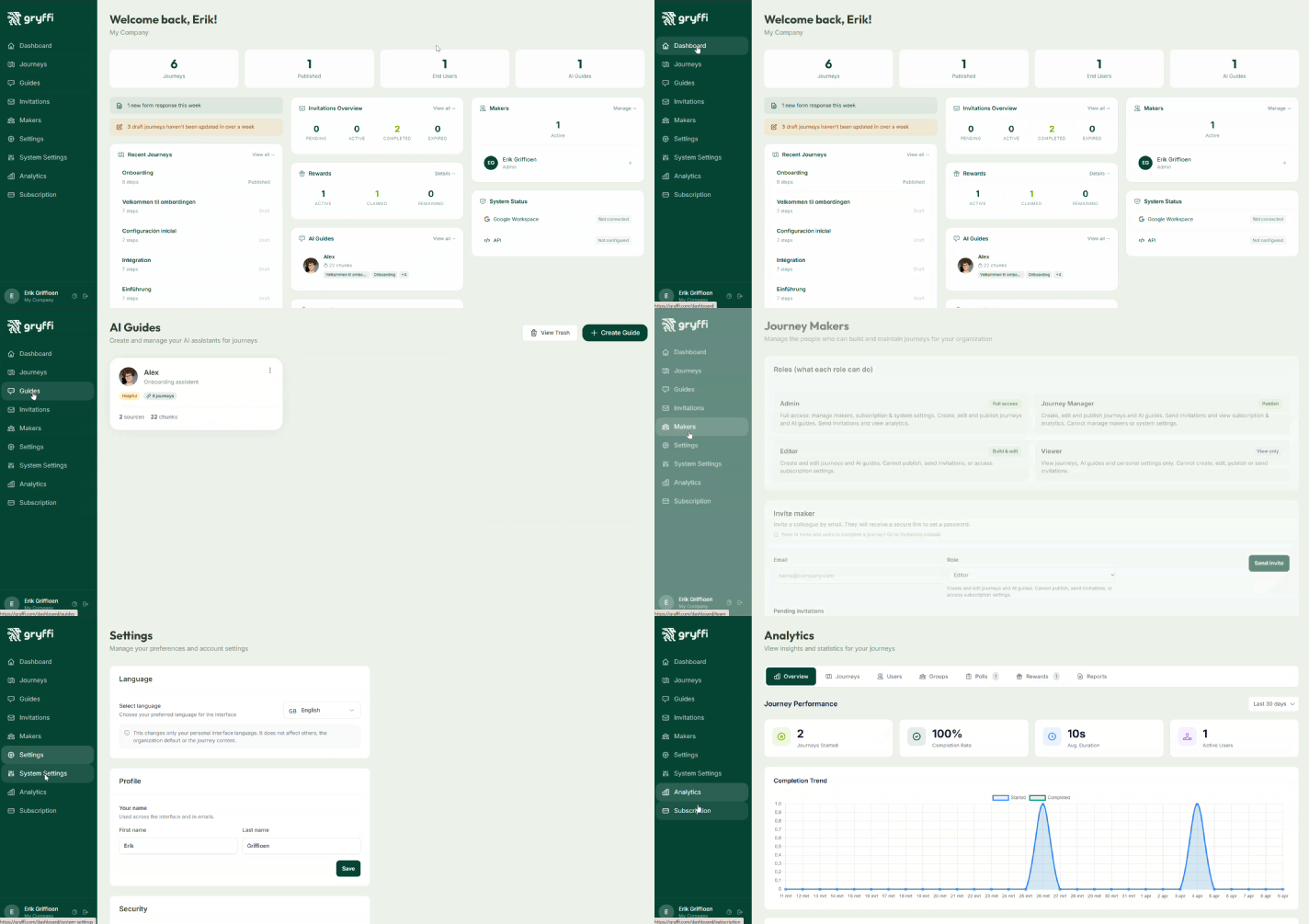
A quick tour through your menu: Dashboard, Journeys, Guides, Invitations, Makers, Analytics, and Settings. One platform to run it all.
Use Cases
Onboarding, compliance, safety, internal processes. Different content, same problem: it only works if people get through it. Gryffi turns all of it into short journeys your whole team can finish, including the colleagues who never open the PDF.
Give new hires with ADHD, dyslexia or autism the same fair start as everyone else. Short steps, clear structure, and an AI Guide they can ask anything without having to raise their hand.
Replace the 40-page handbook and repetitive intro meetings with an interactive journey covering culture, tools, and team structure. An AI Guide answers questions 24/7, based on your own documents.
Staff knows the building before they walk in. 360° panoramas and interactive floor plans use spatial memory, one of the strongest ways any brain learns.
Turn mandatory reading into short interactive training with knowledge checks. Export audit-ready PDF reports for legal, ISO, and regulatory requirements.
One question, one correct answer. An AI Guide answers from your uploaded manuals, with source citations. Asking is easier than searching, especially for people who dread the folder maze.
Roll out new processes without the chaos. Branching paths adapt the journey to role or department, so everyone gets exactly the information they need and nothing more.
Discover industry-specific solutions and see how teams like yours use Gryffi.
Pricing
No credit card required. Upgrade anytime when your team needs more.

From the Founder
“I have ADHD and dyslexia. In over twenty-five years in IT, I have worked through piles of handbooks, manuals and company documents I was supposed to read and never finished. I built Gryffi because I needed it myself: knowledge in small steps, one thing at a time, with an AI you can just ask questions instead of a folder you have to search.”Read Erik's story →
Build your first interactive journey in minutes. No credit card required.
Your data stays in Europe
Gryffi is fully hosted in the EU. We guarantee your data will never be transferred outside European borders.